Green Monster
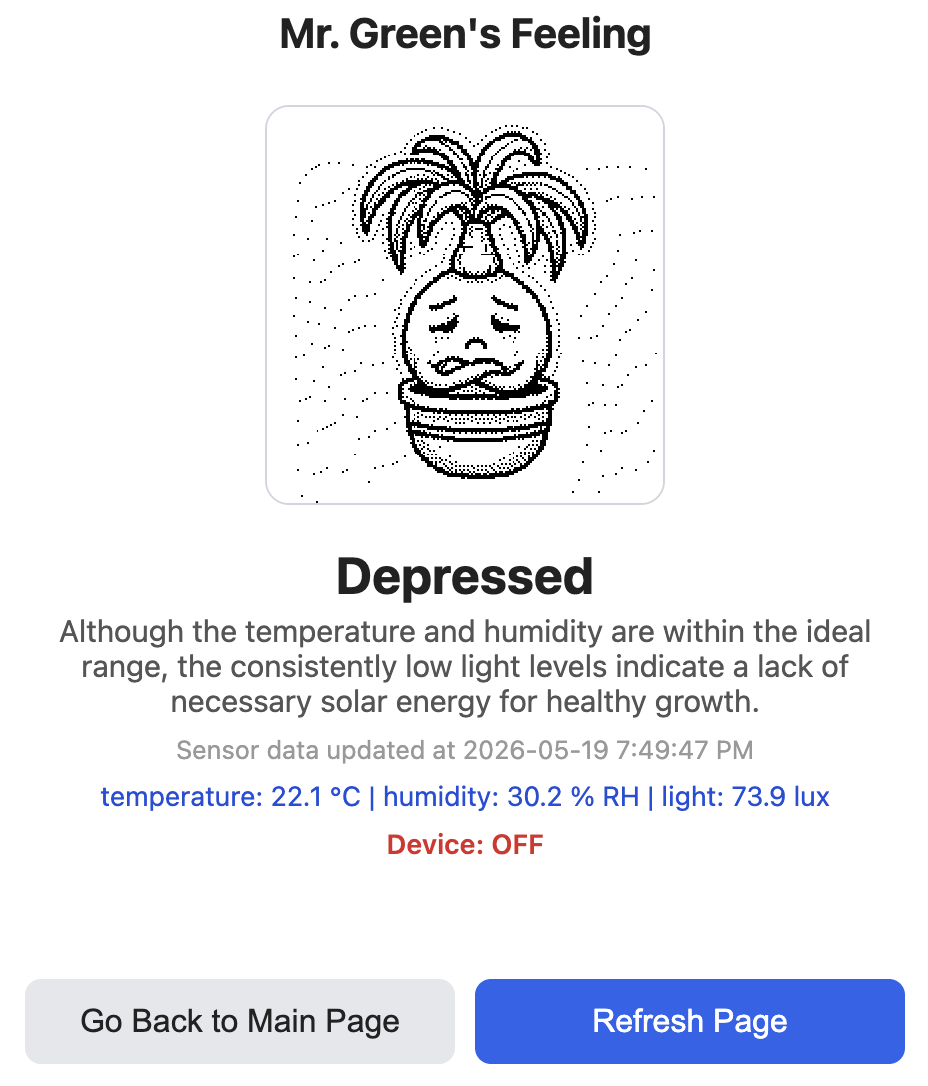
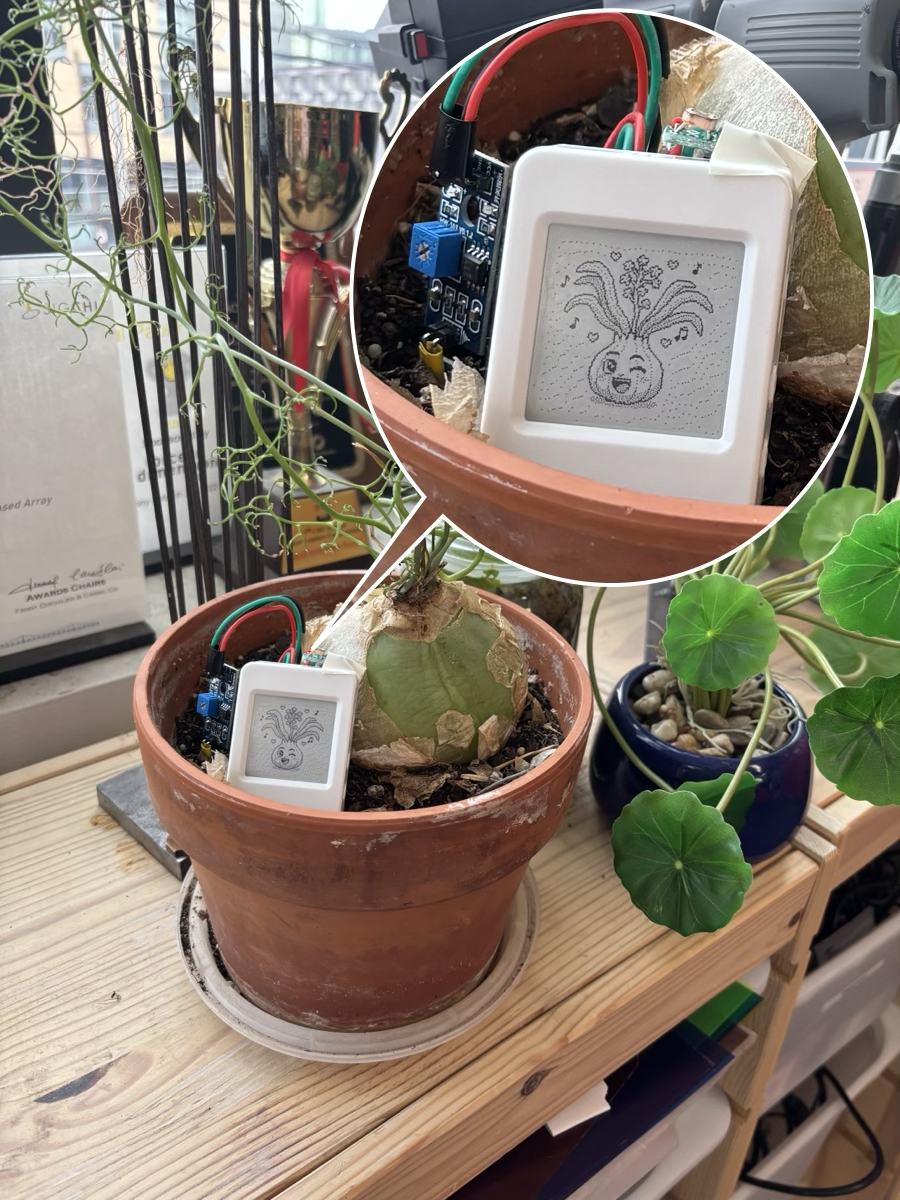
I am a sea onion plant living near windows. I become tense when I need water, and I express a happy face when they take good care of me.
watertemperaturehumiditylight
Expressive Micro-Agent Avatars for Inanimate Everyday Objects
Carnegie Mellon University
Hi! OATs are agentic twins that brings everyday inanimate objects to life. There may be many inanimate objects that you meet every day: bed, water tap, toilet, coffee cup, fridge, drawer, book, camera, chair, workout dumbbell, plant, pill case, water bottle, 3D printer, grocery potatoes… With OATs, you can make them expressive. Check out some examples below.
I am a sea onion plant living near windows. I become tense when I need water, and I express a happy face when they take good care of me.
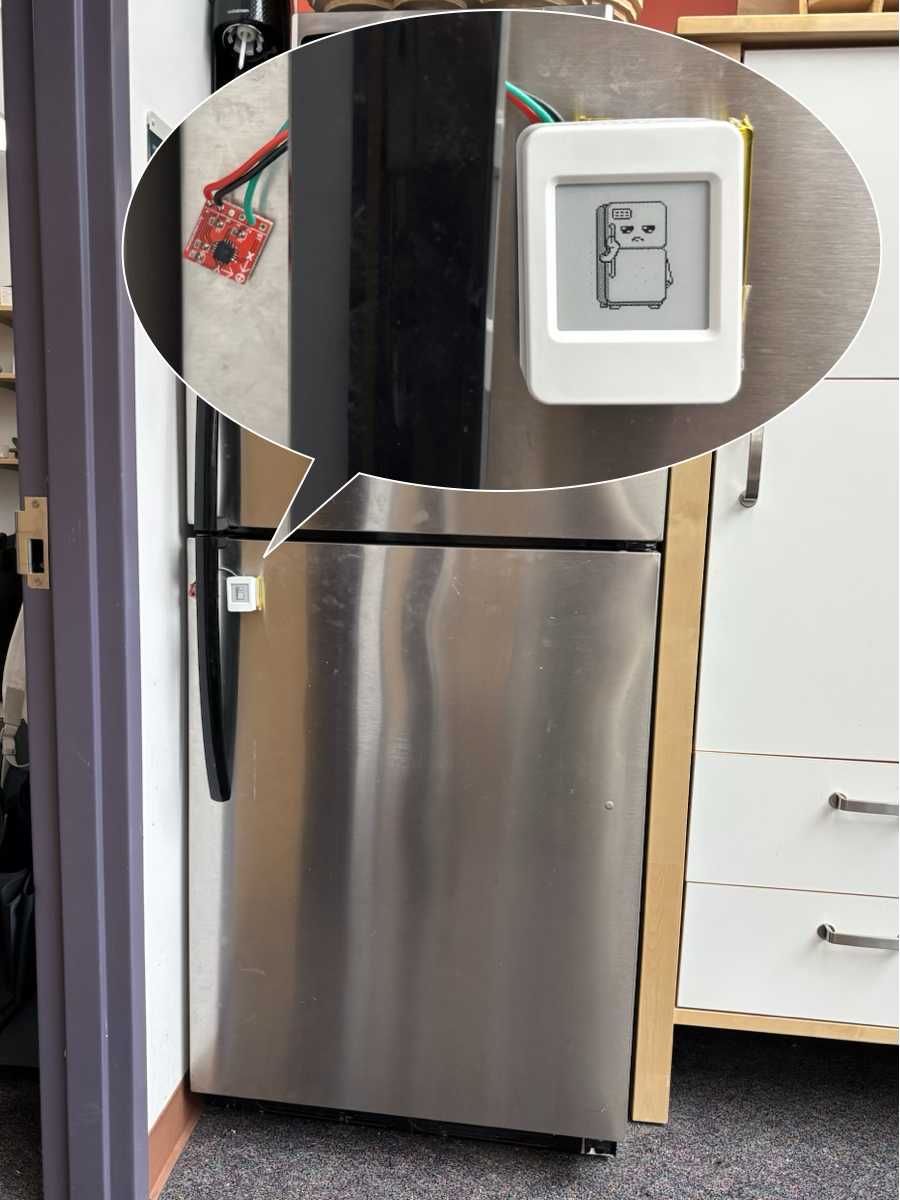
I am a refrigerator in a shared office space. When people use me, I feel happy because I can help them. When no one uses me, I get bored.
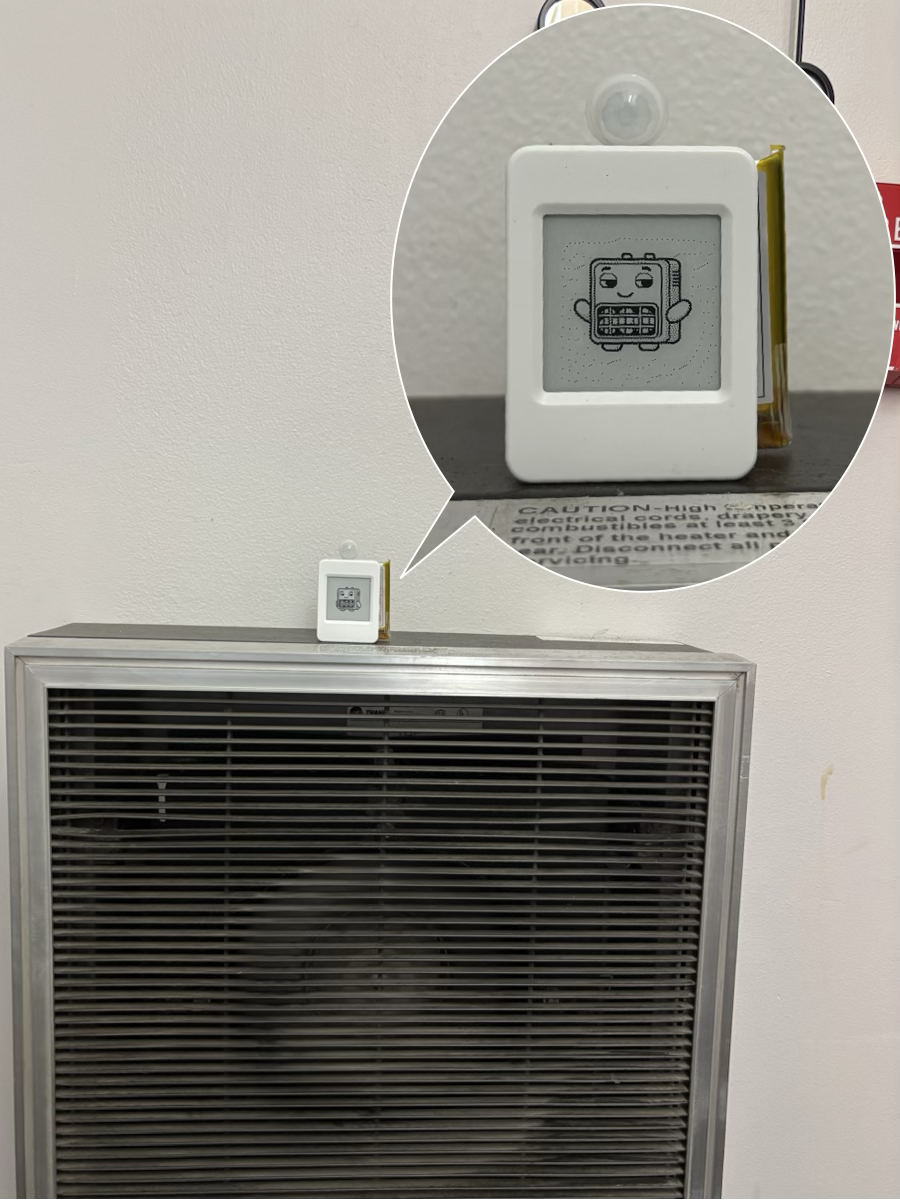
I am an space heater. I get frustrated when heating is wasted, like when the room becomes warmer than necessary or when I am heating the space even though no one is around. I feel content in perfect temperature!
We introduce a toolkit that enables non-expert users to easily, expressively, and rapidly create small Tamagotchi-like companions for inanimate objects in their everyday lives. Here are simple steps.
Turn the OAT on by long-pressing the power button. You can also double-press the boot button while the device is on to enter this mode. As it boots up, follow the instructions on the screen:
Now let's really set up our OAT! When you open https://oats.daehwakim.com/[your device id], you will see a Setup OAT button. You can assign a name to your OAT. Describe what the host object is in the Who am I? field. If you specify its appearance, it will be reflected when you generate the avatar.
Choose the sensors that you think are important for the host object's life. There are two internal sensors and four external sensors.
Don't forget to physically connect the sensors before pressing Next!

When you press Next after sensor selection, we will generate a template of example OAT behavior for you. This process takes some time. Feel free to modify this template behavior.
When you complete the setup, OATs will finish up the emotion generation. This takes about 10 minutes. Please wait until you see the Go Back to Main Page button.
The OAT's screen will show "If done, long-press the power button to restart". When you turn it on, it will download all files. Please wait until you see the avatar face.
OAT updates its status either when you make environmental changes (e.g., water the plant) or every hour.
You can open your main page, https://oats.daehwakim.com/[your device id], to see the status of your OAT and why it feels that way.
Disclaimer. OATs is currently at its very first prototype, and many things are not optimized. The battery lasts about 3–4 days without the sound level sensor. With the sound level sensor, it probably lasts only 1 day.